|


PiCo Pro by Harold Heim is a very
useful and versatile utility. It was created to help in the organization of Photoshop-compatible
and other plugins. PiCo has a batch processing feature that lets you change format, resize and
even add different filter effects to several images at once. You can even create thumbnails with
PiCo. PiCo allows you to enable and disable plugin filters while leaving them in their original
directories. This helps save system resources when using your graphics program by not loading the
filters you don't use often. If you use Paint Shop Pro, you can also organize tubes, patterns,
shapes, frames and masks. In addition to organization of files, PiCo allows you to view many
different image formats. With the preview option, you can apply filter effects to your images
within PiCo.
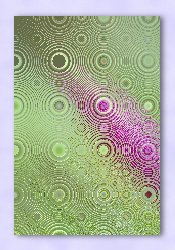
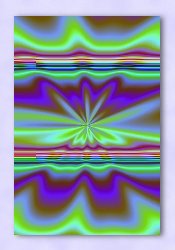
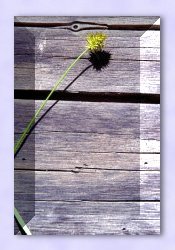
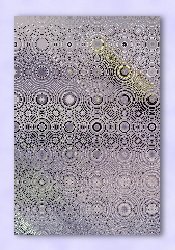
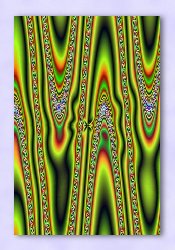
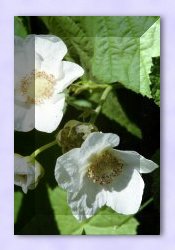
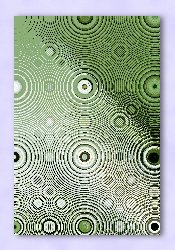
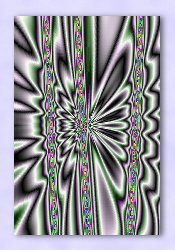
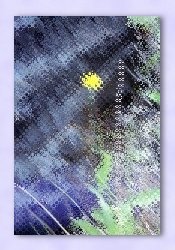
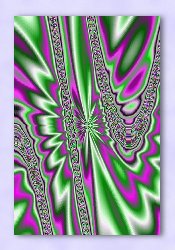
Original Image, Greyscale and 3 Simultaneously Applied Filters
Frame Gradient, Solar Inverter & Solar Inverter Hilighter

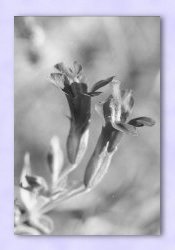
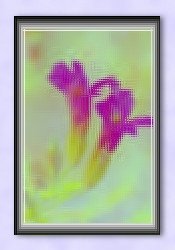

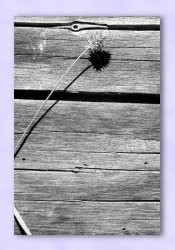
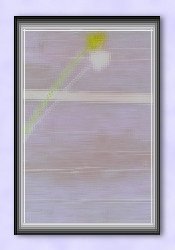
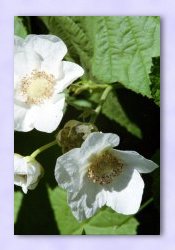
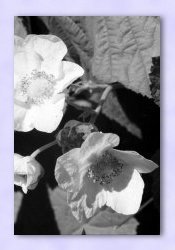
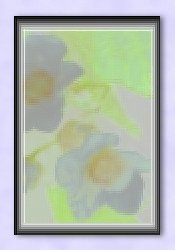

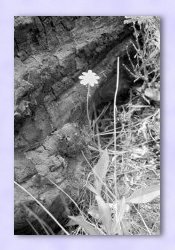
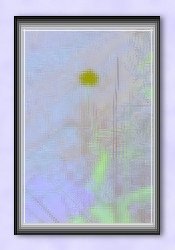
Filter Factory Gallery "G" Bevel 1.5, Curquelate & Fractal Magic 3
[Second and third filters were applied with random slider values]


|