




XENOFEX
This week's lesson was on the use of Xenofex and it's many filters. I had a blast with this plugin and know I will be using it quite frequently! The only problem I had was that I couldn't find where the presets are stored... does this mean that they can't be shared?!?
Late breaking news; it seems our Lesson 3 Parrot has been kidnapped & is being held for ransom. We have received a ransom note from the suspected parrot nappers. Let's see what it says....
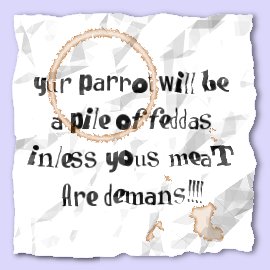
Uh oh... it seems our suspects not only don't know how to spell, but they are sloppy too. Can you make out the coffee stains on the note? Tisk, tisk, tisk... they do not even mention what their demands are! I'm sorry that I must report that it may be some time before this crime is solved and we have our beloved Parrot back on it's perch.
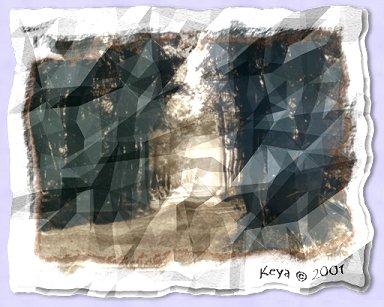
All kidding aside, the crumple filter has some very interesting uses. My next image is a photo I took at one of my favorite places and made to look as though it had been wadded up then straightened out again... still a bit messy I'm afraid.
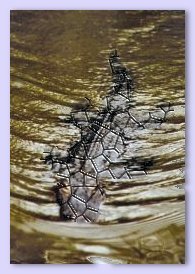
One of my favorite of the filters Xenofex offers is called Baked Earth. There are many uses for this filter...

...such as Baking a Lizard! Or maybe even a "REAL" Louisiana Bayou Gator!
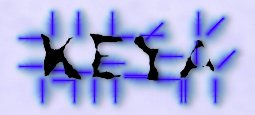
Two of the other filters are called Distress & Electrify. First I applied the Distress filter to some bold text and then added the Electrify filter for a little dramatic effect.
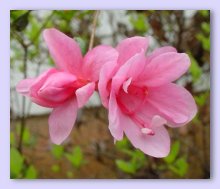
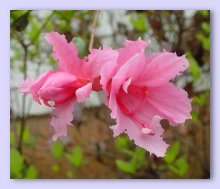
Another example of the distress filter will show what happens to a neglected flower garden.
Our first image shows a well cared for flower, in our second image, we see the poor neglected flower... looks like time to get a better insecticide or hire a new gardener!
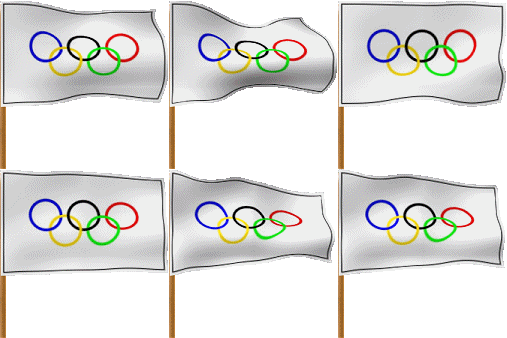
The Flag filter can twist, turn and really screw up a good looking image... however, I took a bit of artistic license and created this waving Olympic Flag.
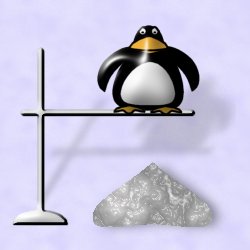
This next filter, Little Fluffy Clouds, is incredible. You can create a lot of different weather type effects with it and even make toxic acid waste and doggie poop, or in this case, Penguin Poop!
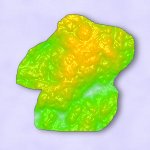
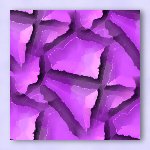
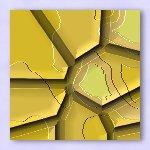
Stained Glass tiles created with Origami & Shower Curtain Filters. First tile was created using the Shower Curtain filter, second & third with the Origami filter & the fourth was made using both filters.
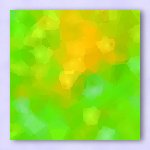
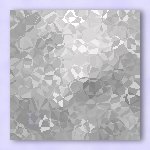
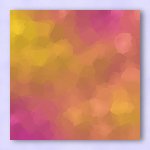
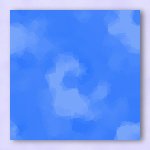
These tiles were created with the Baked Earth filter. The first tile was made with a native preset. The other three were made with custom presets that I created by moving the sliders and or changing the lighting options.
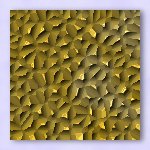
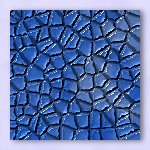
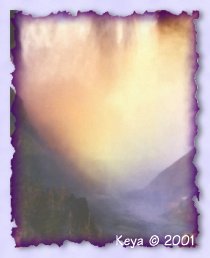
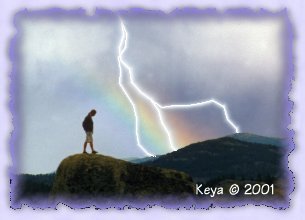
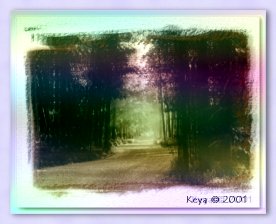
The Stain filter can create a myriad of different effects. On the ransom note above is an example of a coffee stain from some sloppy parrot nappers. The next two images utilize the Stain filter to create interesting edge effects. The second image also had the Lightining filter applied to a selection.
The Stamper filter is a fun little toy. It uses a .tff file to create a mosaic / montage look! For this image, I saved the original photo of my granddaughter as the .tff and applied the Stamper filter to the original photo using the saved .tff for the stamp.
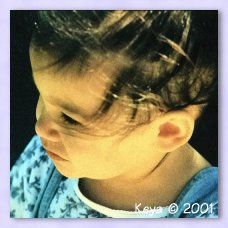
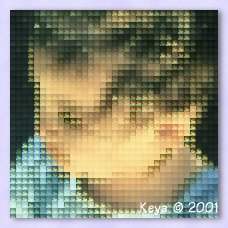
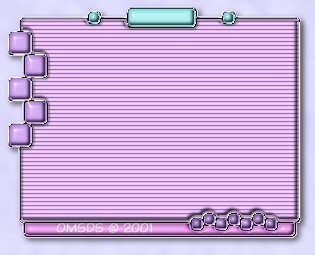
The Television filter is also good for a lot of different effects. The first image shows a photo with a customized version of the 70's TV Set preset applied. The second image used the Television filter to make the scanlines for a new interface project.
exclusively for OMSDS Class Assignments at . All Rights Reserved.
~ on-line ~
Best viewed with version 6+ browsers, javascript enabled, 1024X768 resolution.
This site and it's contents may not be reproduced in any way without express written permission from the .