|

|
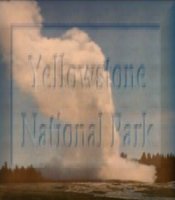
Arithmetic lets you take one image and combine it with another to make a third.
|
|
|
|
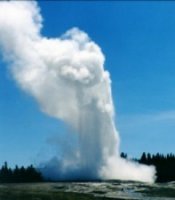
Source Image #1
Old Faithful
|
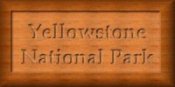
Source Image #2
YNP Wooden Plaque
|
|
Settings:
Function: "Average"
Channel: "All Channels"
Modifiers:
"Divisor 1"
"Bias 0"
Clip Color Values: Checked
|
|
|
|
|
Final Image
Plaque with Old Faithful
|
|
|
|
|
Within PSP's Color Menu there are several differnt options to
choose from. I'm going to demonstrate 3 of them: Negitive, Posterize and Solorize.

|
Remember my image from Lesson 2 ~Old Faithful~? Well hold on to your chair, because the
world's most famous geyser is about to go through some changes!
|
|
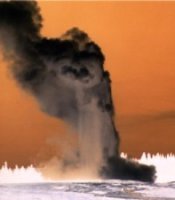
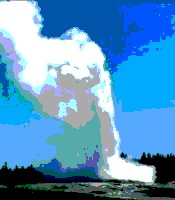
~Old Faithful~
Negitized
|
|
This looks like the ozone layer finally bit the dust...
...but don't worry, it's only the Posterize Effect set at 2 Bits per Channel
|
|
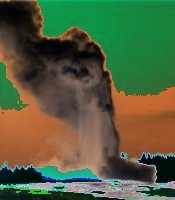
Even tho' I know this was caused by the Solorize Effect with the Threshold set to 50 it still
looks like the world had come to an end!
|
|
|
|
|
|
Free 3rd Party Plugins are a delightful addition to Paint Shop Pro
Of the many Plugin Filters available, I chose the ones I like best to display here.
|
|
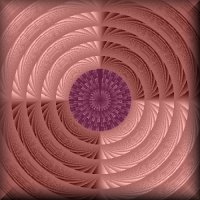
This is an example of
Krusty's
Collection of Pattern Generators.
"Pattern Generator M (Radial 2)"
and
"Pattern Generator P (Flower)" in the center
|
|
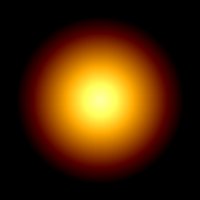
Kangaroo has a great collection of filters.
Here is Kang's mora-5 orb
|
|
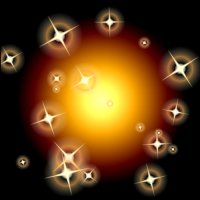
Here's mora-5 orb again with a little help from
Ulead's
Particle Plugin, Star Effect
|
|
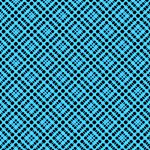
Kangaroo's
Katcradle filter is very versital. This is an example of Katcradle settings:
x1, y1, x2, y2 = 128
Thickness 91 and Light 116
after adjusting the colors to Red 71%, Green -10% and Blue 30%
|
|
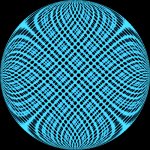
Katcradle above after using PSP's Circle Deformation
|
|
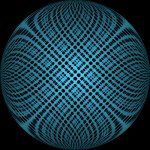
And once again...
...after applying the Buttonize Effect
|
|
Filter Factory offers many sets of filters from
A thru V
This filter called Pearl's Girl created by
Mario Klingemann was at one time in the Filter Factory M collection.
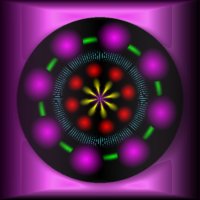
I used this filter 6 different times on the same black background. Then I used the
Buttonize Effect set at: Height 54, Width 250, Opacity 42 and a Transparent Edge
|
|
|
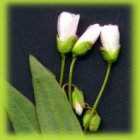
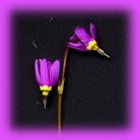
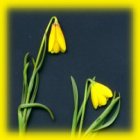
Using my scanner with PSP couldn't be easer. After choosing source, I just click on the
"Aquire" button on my Toolbar and within a few seconds my scanners software starts up.
Here are some of the wild flowers I have scanned



|
|